


Maximize Productivity: The Advantages of AI Transcription for Modern Businesses
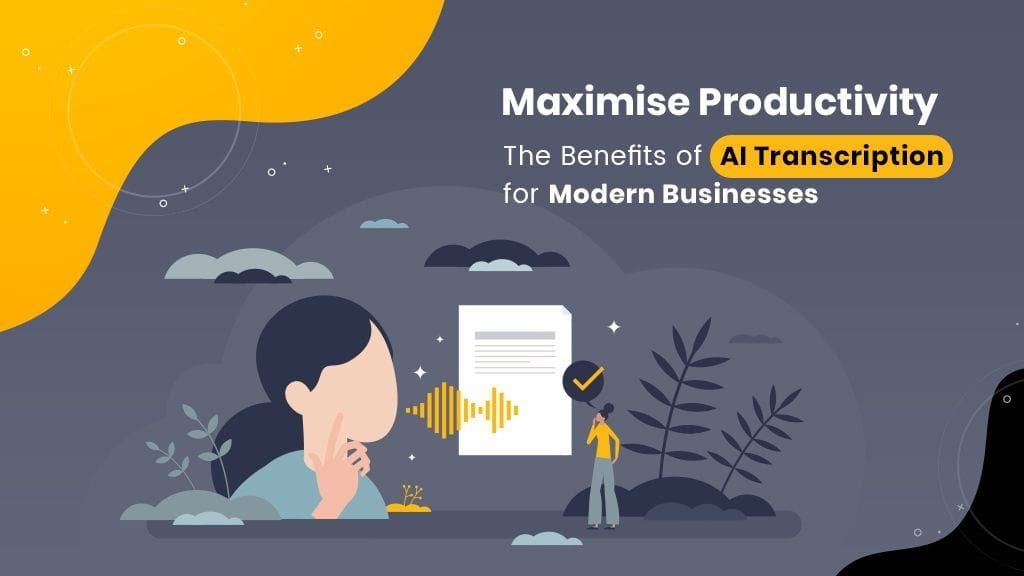 "Maximize Productivity: The Advantages of AI Transcription for Modern Businesses")
In today's fast-paced work climate, AI recording and transcription services are critical tools for increasing efficiency. These modern technologies provide a number of advantages that can greatly improve business operations and content creation processes.
AI transcription services excel at accurately recording internal and client meetings. They provide precise summaries and practical to-do lists, ensuring that nothing is overlooked and communication is efficient. Imagine recording a meeting and sending a thorough summary to all attendees via email in minutes. This not only saves time, but also guarantees that everyone is on the same page, which allows for better and more effective communication.
AI transcription technologies have a dramatic impact on content providers. By just uttering your ideas, the AI records, transcribes, and summaries them. This helps you to concentrate on creating your content without the distraction of taking notes. Whether you're writing blog entries, reports, or presentations, these tools can help you manage your content more effectively.
Note of caution: Because AI is transcribing what it hears, there may be occasional misspellings (these will decrease over time as it learns). So, even if you save a lot of time by not writing these notes down, read them before saving/sending them to others.
Recommendations for Integrating AI into Your Meetings:
Invest in comprehensive AI training
Make sure your team is well-versed in using AI tools. Comprehensive training will maximise the benefits of these technologies and ensure their seamless integration into your existing operations.
Choose the Right AI Solutions
Assess your organisation's specific needs and choose AI products that best match those needs. Choose solutions that have excellent recording and transcription capabilities that interact effortlessly with your existing systems. (We propose a few below.)
Prioritize Data Security
With the growing usage of AI, data security is critical. To protect sensitive member information, ensure that any AI solution you install meets strong data protection standards.
Regularly Update and Maintain AI Tools
Update your AI tools to take advantage of the most recent features and advancements. Regular maintenance ensures that your AI systems work optimally and remain relevant over time.
Monitor and Evaluate AI Performance
Continuously assess the effectiveness of AI tools and their impact on your meeting management operations. Gather input from your team to identify areas for improvement and make any necessary changes.
The applications for AI transcription services are diverse. They can be used to take extensive meeting notes, make to-do lists, compose follow-up emails, and much more.
Here are a few AI transcription tools that can boost your productivity:
Avoma
Link: Avoma
Pricing: Basic (Free); Business ($79 per user/month)
Compatibility: Zoom, Teams, Google Meet, HubSpot, etc.
Recording Capabilities: Records audio and video.
Fathom
Link: Fathom
Pricing: Basic (Free); Premium ($19/month or $15/month billed annually)
Compatibility: Zoom, Teams, Google Meet
Recording Capabilities: Records audio and video.
Otter.AI
Link: Otter.AI
Pricing: Basic (Free); Business ($20 per user/month)
Compatibility: Zoom, Teams, Google Meet
Recording Capabilities: Records audio.
Fireflies.ai
Link: Fireflies.ai
Pricing: Basic (Free); Business ($19 per user/month)
Compatibility: Zoom, Teams, Google Meet, etc.
Recording Capabilities: Records audio.
Sonix
Link: Sonix
Pricing: Standard ($10/hour); Premium pricing varies
Compatibility: Zoom, Teams, Google Meet, WebEx, Skype, etc.
Recording Capabilities: Records audio and video.
Businesses can use AI transcription solutions to ensure that every aspect of meetings is accurately documented. This allows you to focus on what really matters: expanding your business. Embracing these technologies allows you to accomplish more with your content while increasing efficiency and productivity in your business operations.
| Tags:NewsSearch Engine Optimization |

 "Traditional SEO vs. GEO: How to Get Your Business Recommended by ChatGPT and Gemini")
 "The Business Owner’s Guide to AI Search Optimization Costs and GEO ROI")
 "How to Choose an Agency for AI Search Optimization in Canada")
